1. Upload the image to edit(0/14)
2. Tell us which text to replace
Fast pathWe’ll keep the surrounding design recognizable and match the original lettering as closely as possible.
3. Review the edit instruction
AI Model
Aspect ratio
Resolution
Output format
Public Visibility


EditText AI
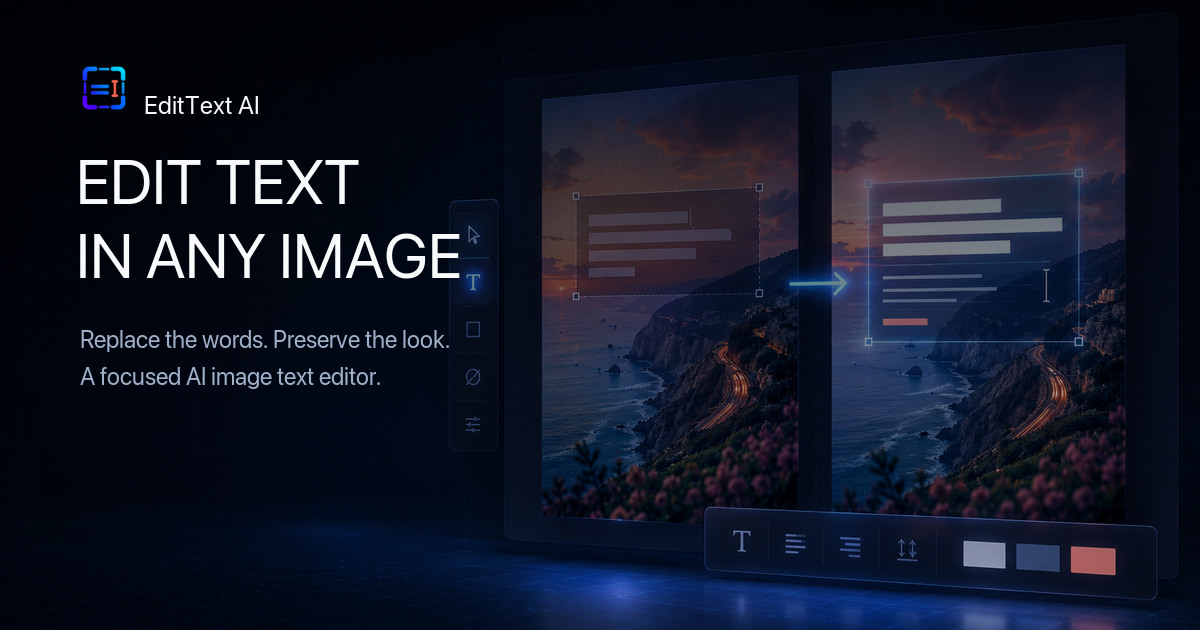
Edit Text in Image with AI
Edit text in image online: upload a photo, screenshot, poster, or product image, then describe the words you want to replace.
AI Image Text Editor for Real Visual Work
Replace text in image files, preserve the original design, and prepare revised photos, posters, screenshots, and product graphics from one workspace.
Nano Banana 2
Nano Banana
Nano Banana Pro
Qwen Image Edit
Grok Imagine Image Edit
GPT-4o Image
Flux Kontext Pro
Flux Kontext Max
Seedream 5.0
Seedream 5.0 Lite
Seedream 4.0
Image Text Editor generator
Replace Text in Image: Before and After Examples
See how an AI image text editor can replace words while preserving typography, layout, lighting, perspective, and background details.


Real-world applications
Edit Words on Images for Everyday Design Work
Change text in photos, store assets, posters, screenshots, and social graphics without rebuilding every design from scratch.

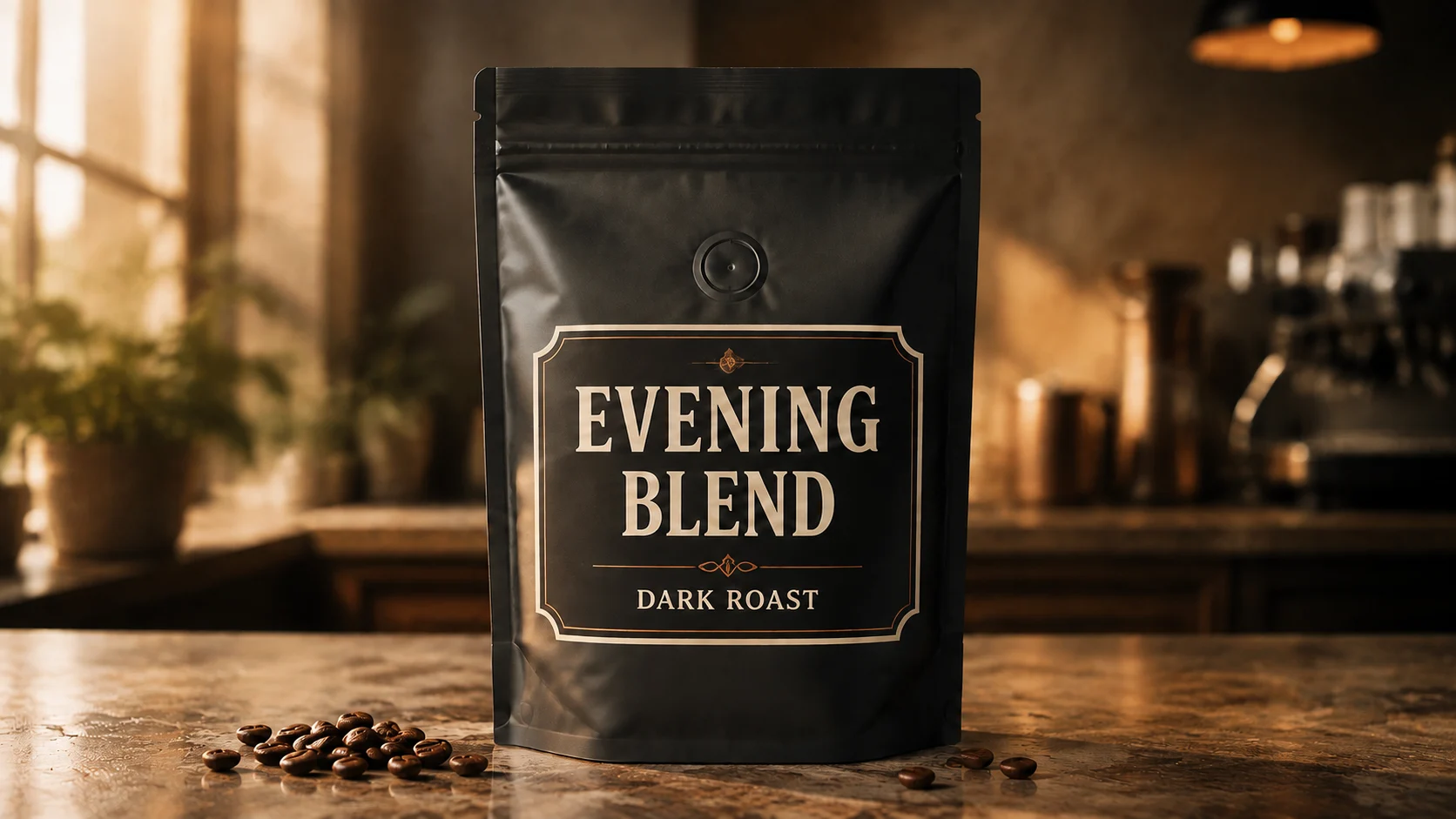
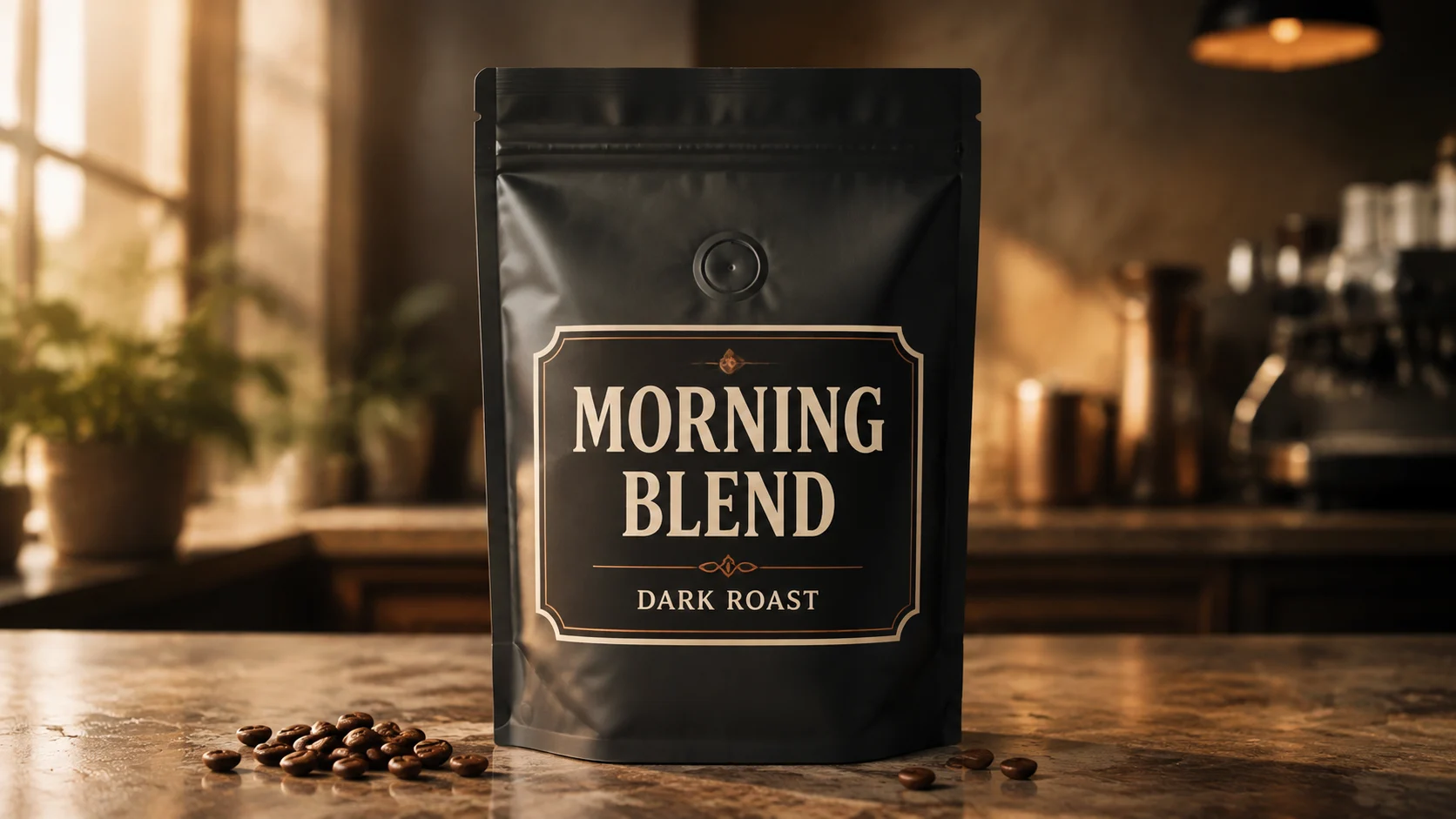
BeforeAfterEdit text on product packaging
Change “MORNING BLEND” to “EVENING BLEND” while preserving the bag, type treatment, small print, lighting, and studio composition.

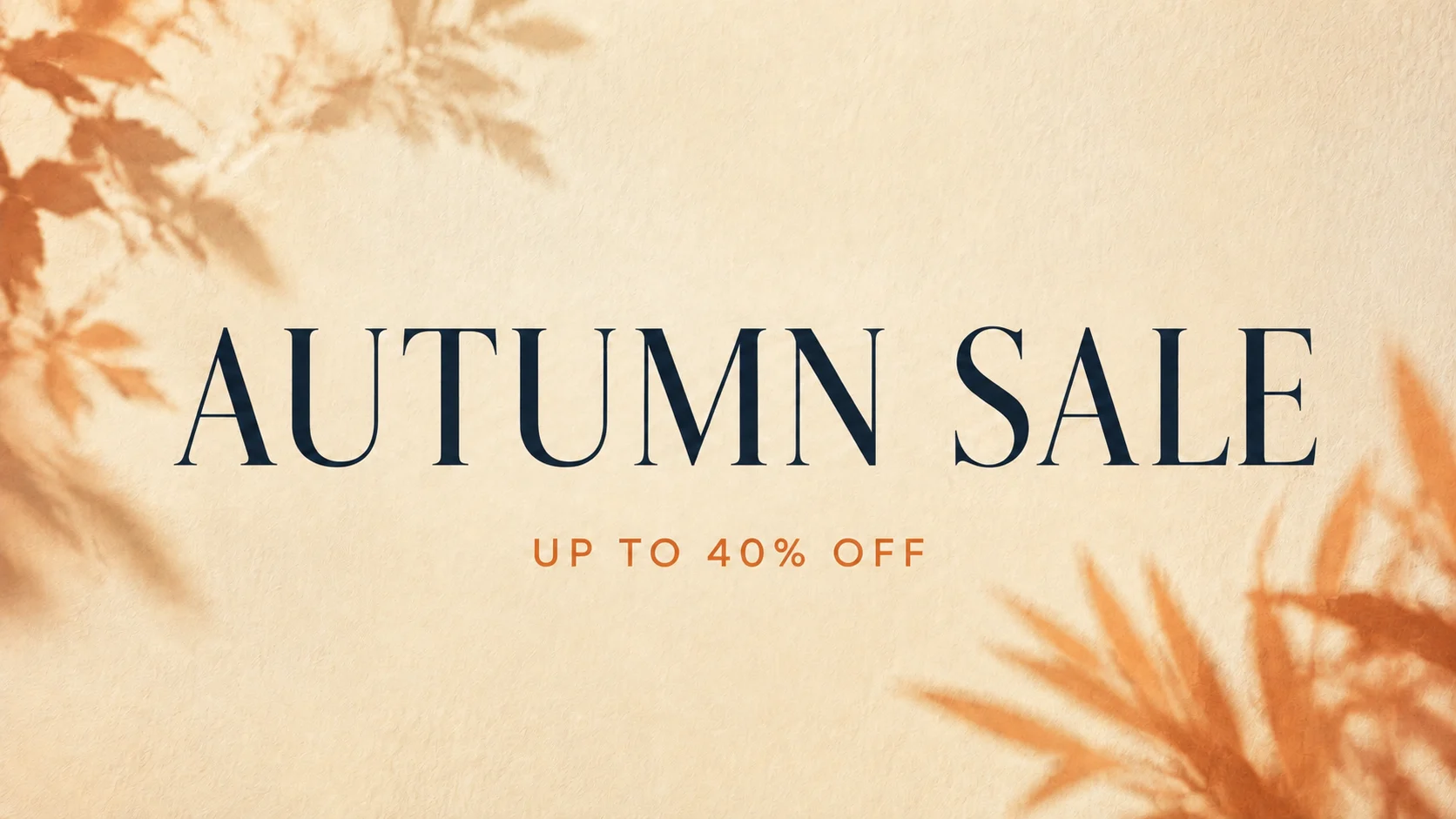
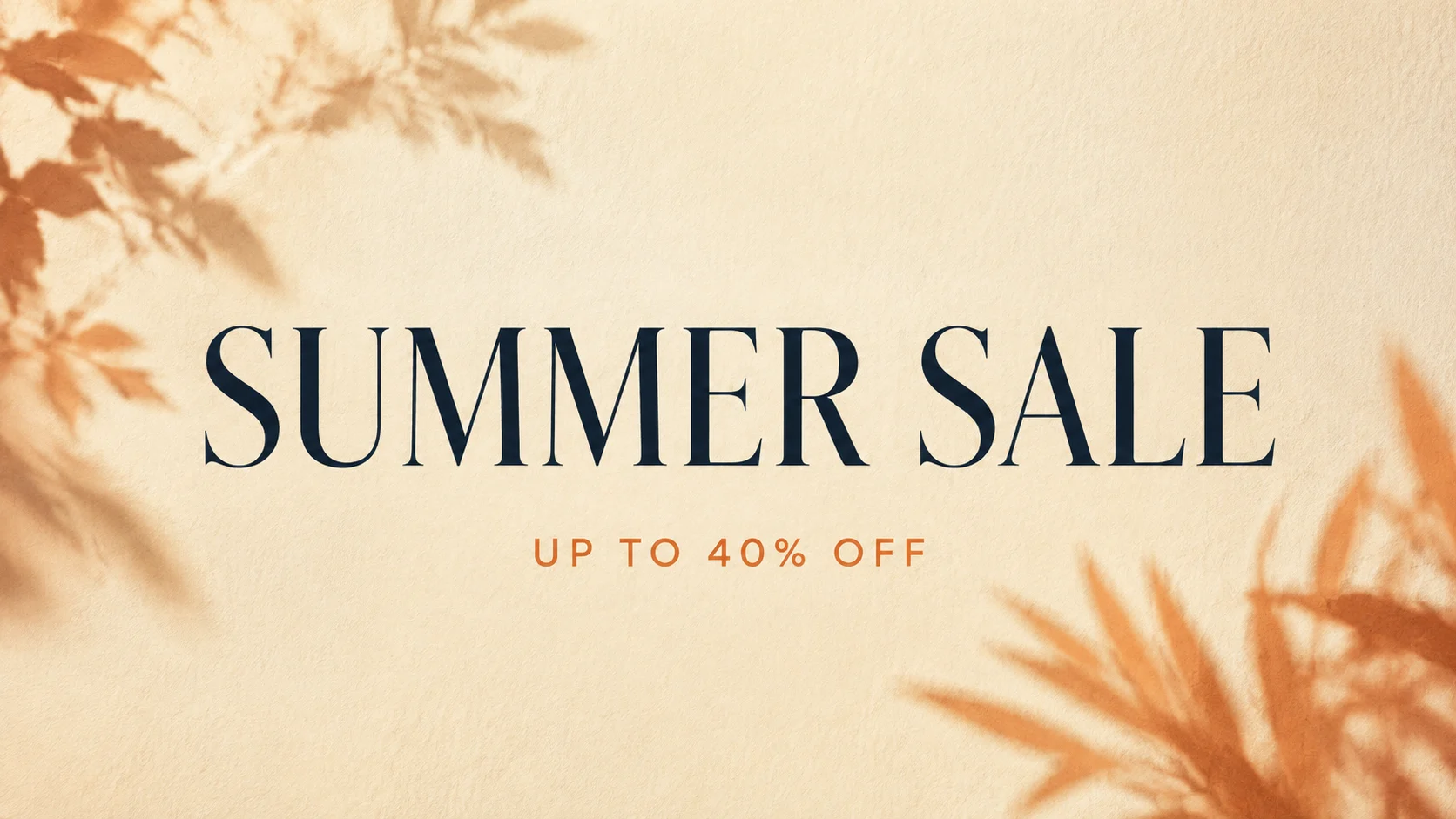
BeforeAfterReplace a promotion headline
Turn “SUMMER SALE” into “AUTUMN SALE” without rebuilding the card, moving the offer, or changing its premium editorial style.

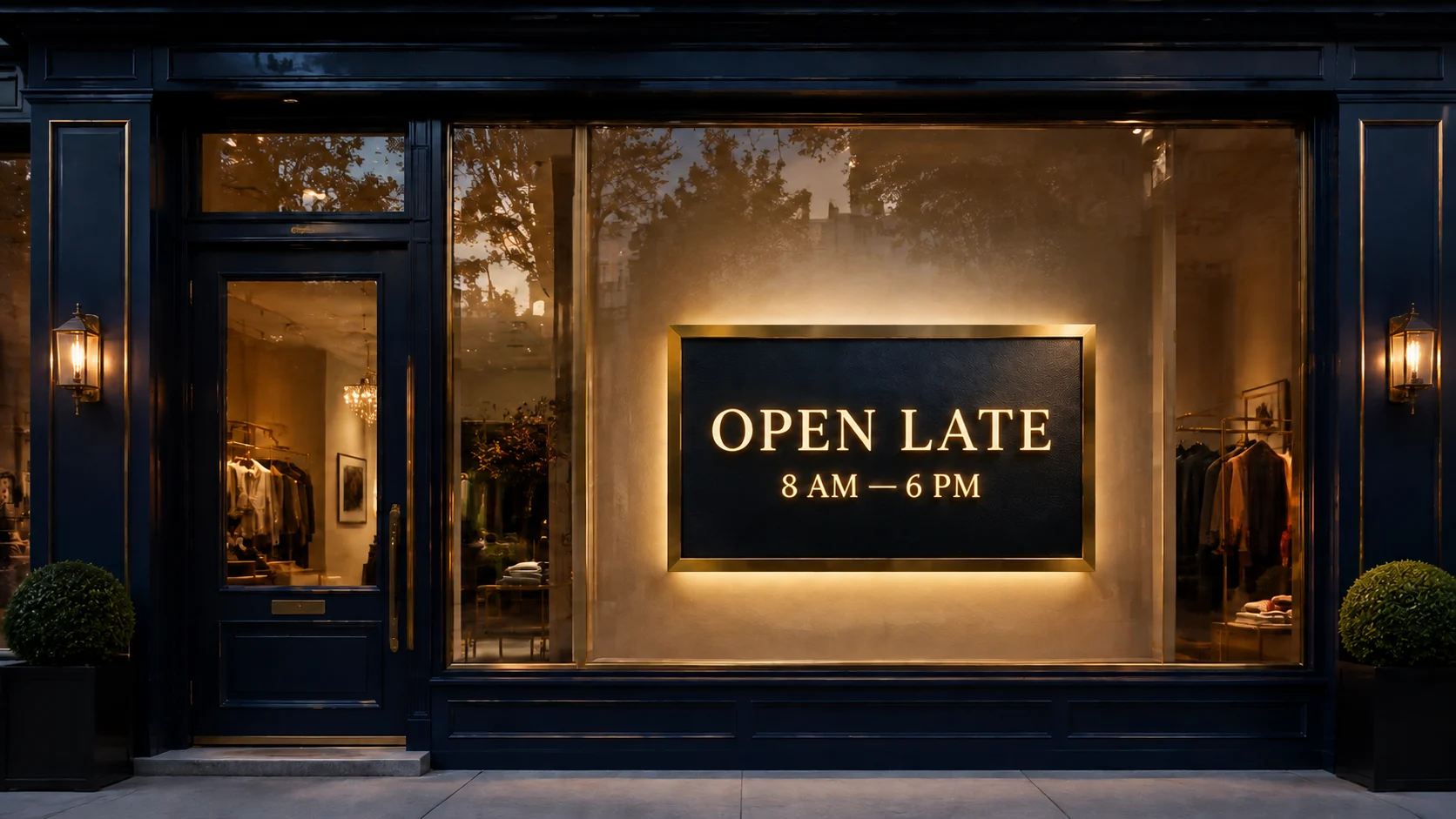
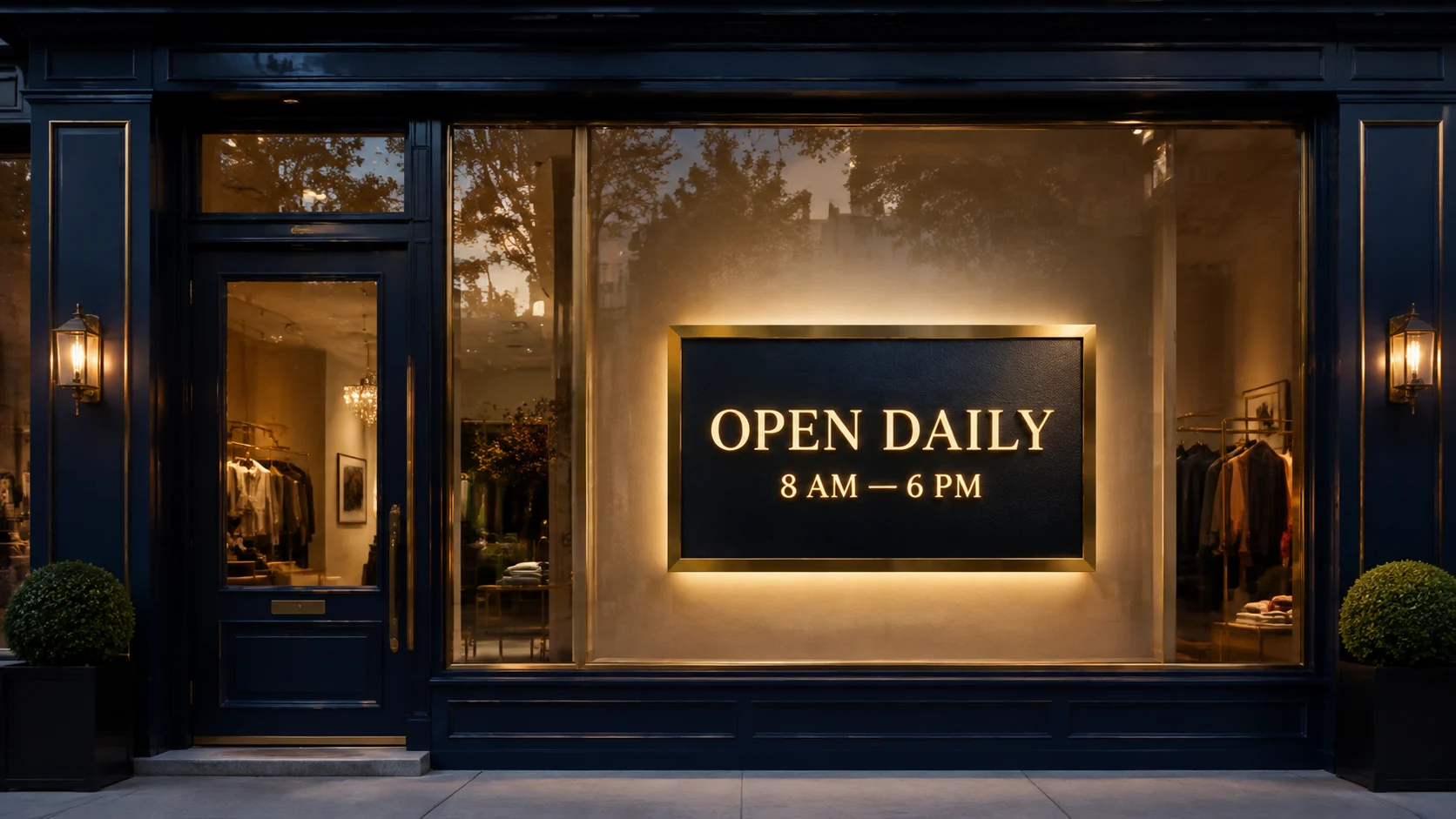
BeforeAfterUpdate storefront signage
Replace “OPEN DAILY” with “OPEN LATE” and keep the hours, illuminated lettering, reflections, materials, and storefront unchanged.

BeforeAfterImage localization
Replace short phrases for another market while asking the AI to retain the original placement and visual treatment.

Marketing copy updates
Refresh headlines, offer text, and calls to action across campaign images and social graphics.

BeforeAfterTypos and number changes
Fix a misspelling, date, quantity, or price while keeping the rest of the image visually consistent.
Versatile Image Text Editor workflows
Change Text in Image While Keeping the Original Style
Use precise prompts to edit words on an image while preserving typography, placement, perspective, lighting, and nearby background details.
Product visuals
Create polished product shots, campaign images, and visual variations without a full shoot.
Style and scene transfer
Use prompts and references to shift mood, styling, scene, background, and art direction.
Campaign-ready layouts
Build posters, covers, layouts, and branded images with clearer composition and typography guidance.
Multi-format output
Prepare assets for social, ads, landing pages, stores, thumbnails, and campaign variants.
Image Text Editor generator
How to use Image Text Editor
Keep the workflow simple: describe what you want, add source material if the tool needs it, then generate and review the result.
Upload the image
Choose a JPG or PNG containing the words you need to change.
Specify the replacement text
State the old text and new text, then ask the AI to preserve the font, color, spacing, perspective, and layout.
Export the result
Generate the revised image, inspect the lettering and background, then download or refine the prompt.
Questions
Common questions before generating
How can I edit text in an image online?⌄
Upload a clear image, identify the current words and their replacement, then tell the AI to preserve the original font style, color, spacing, perspective, layout, and background. Review every letter before downloading the result.
Can the AI image text editor preserve the original font?⌄
It can often match the visual style closely when the source is sharp and the lettering is readable. Exact proprietary fonts, tiny type, curved text, or heavily distorted letters may require another generation or a final manual correction.
How do I replace text in an image without changing the background?⌄
Name the old text and new text precisely, then ask the model to keep the background, composition, lighting, shadows, and nearby objects unchanged. A tightly framed, high-resolution source usually gives the model clearer context.
Can I change text in a photo, poster, label, or screenshot?⌄
Yes. The workflow is designed for short text changes in photos, posters, product labels, screenshots, ads, and social graphics. Results are probabilistic, so inspect spelling and brand details before publishing.
Is the image text editor free to try?⌄
New users can try supported image models with available starter credits. The model selector shows the estimated credit cost before generation, and paid plans are available for higher-volume use.
Which formats are supported?⌄
Video tools return browser-ready video files. Image tools can generate common image formats such as PNG, JPG, or WebP depending on model support.
Who is responsible for rights and source assets?⌄
You are responsible for uploaded assets, prompts, and final usage. Avoid uploading materials you do not have permission to use.
Explore the studio
Related creation tools and model guides
Move between model comparison, image-to-video, text-to-video, motion transfer, image creation, and pricing in one workflow.
Create your next AI visual now
Start with a prompt, add references when needed, and generate polished AI media in the browser.